Your comments

Post a link to your site please.

This is fixed in the Beta version 12.7.0. If you want to try it, just go to the Account page inside the plugin and check the "Join the Beta program" check box. Then the beta version should show up on the Updates page in WordPress. After you install the update. Deactivate and re-activate the plugin. That should force all the database table to update.
Sure, not a problem. I'll get it in the next update.

Can you give this a try now? I just tested it on two different servers and it seems to be working.
There is a setting for that...
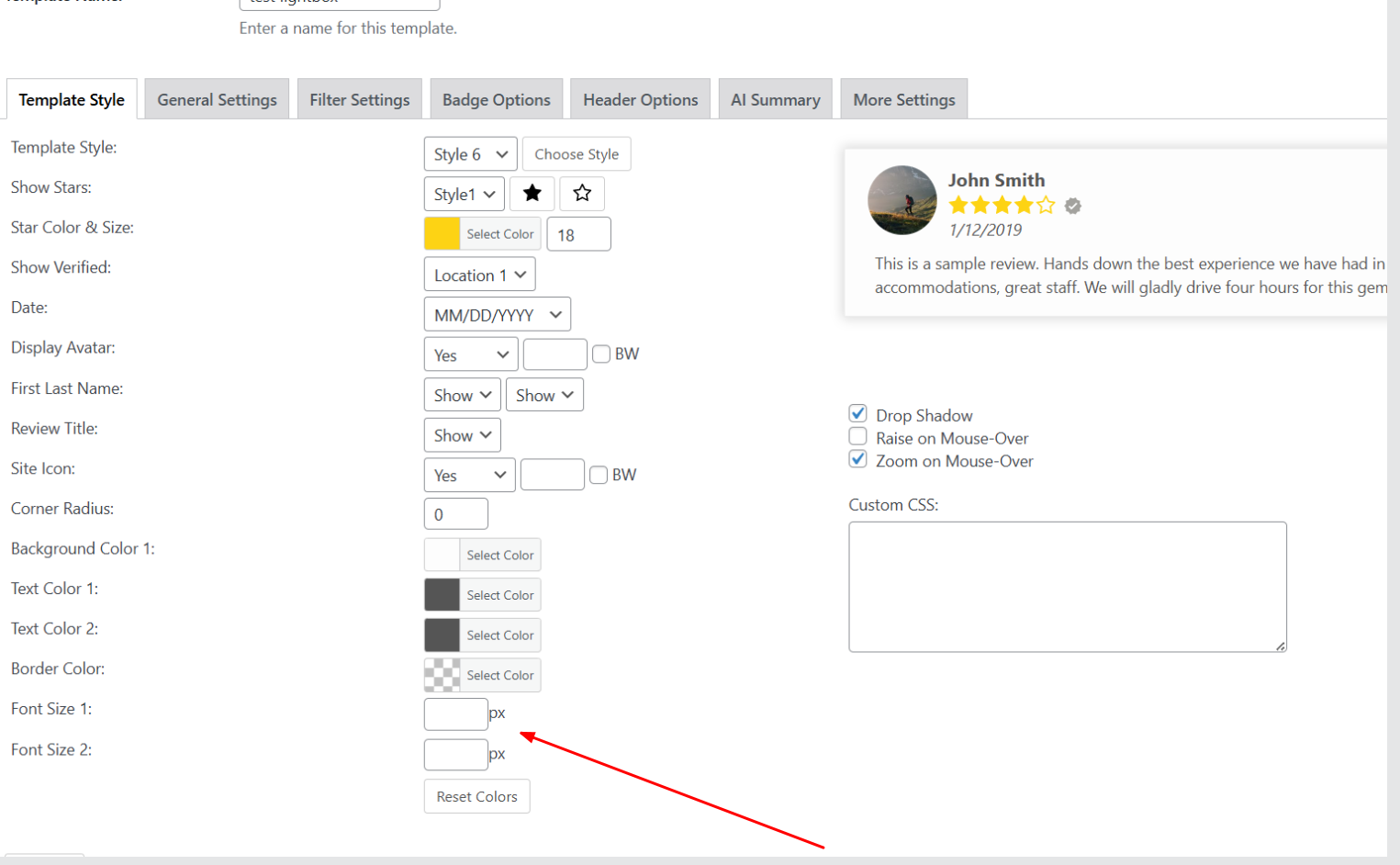
This should do it...
span.svgicons.svg-wprsp-verified {
background: #089843;
}
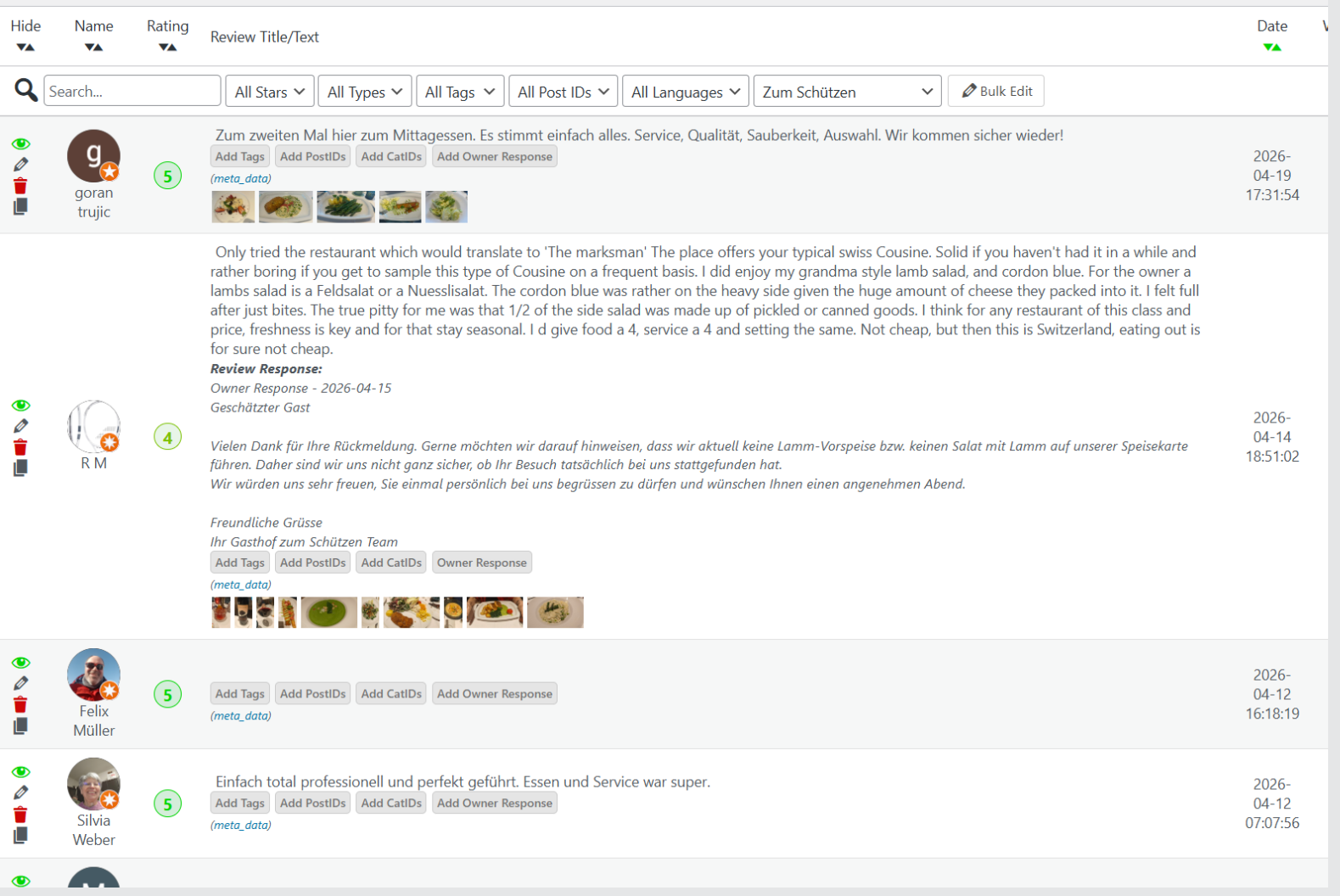
Sorry, I forgot about this. I just reran on my site and I get some in English and some in other languages. Which is what I expect to be the original langauge of each review. Sometimes Google will auto-translate the reviews when you see them on Google so it looks like they are all in your language.
Customer support service by UserEcho


Which template style? and which background exactly. A link to your site or a screenshot will help.