Your comments

The download isn't an automatic sync, so you would need to go to the Review List and use the delete icon if you want to completely delete it from your site.

Check the Badge Data button on the Badges page at the top. Some sources will save those, then you could access it from the custom table with this function...
https://wpreviewslider.userecho.com/knowledge-bases/2/articles/1334-access-total-and-averages-with-shortcode-or-function
I suppose what I could add a calculated number in there for sources that don't have them. It could take the total number of reviews on the Source, then use the reviews you actually have downloaded to approximate the 1-5 number values.

This sounds like it might be something else. Usually a cache conflict will just change the display, but not hide altogether. Does the preview of the review template work on the edit template page? Try de-activating and re-activating the plugin, then create a new review template from scratch. You can take all the defaults, then try that shortcode on a page.
If they were left in there from the free version, I recommend deleting them all and starting fresh. You can do that from the Review List page.
I would try to ignore the files in these two directories:
wp-content/plugins/wp-review-slider-pro/public/js/
wp-content/plugins/wp-review-slider-pro/public/css/
Have you seen the issue in other cache plugins?
Great! Glad you found the problem.
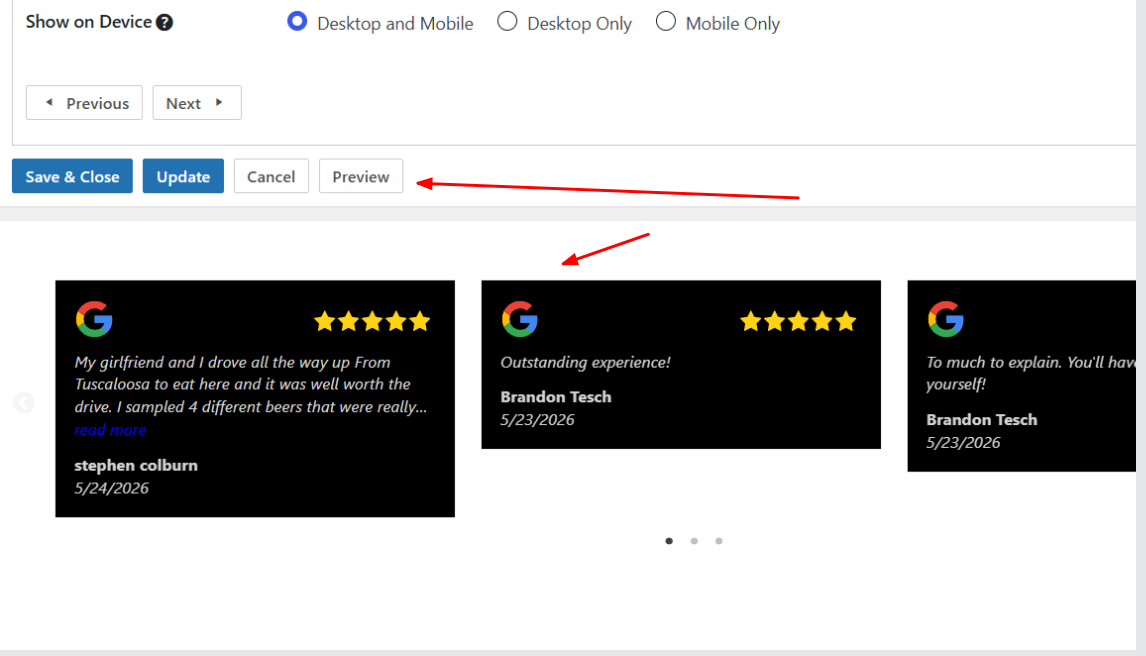
The background color is what I used to set the ones in my screenshot to a black background.
I'm not seeing the CSS rules on the front end. Make sure to clear all cache plugins.
Does it look correct in the Preview?
Customer support service by UserEcho


Sure, I can put that on the roadmap.